genus perspective
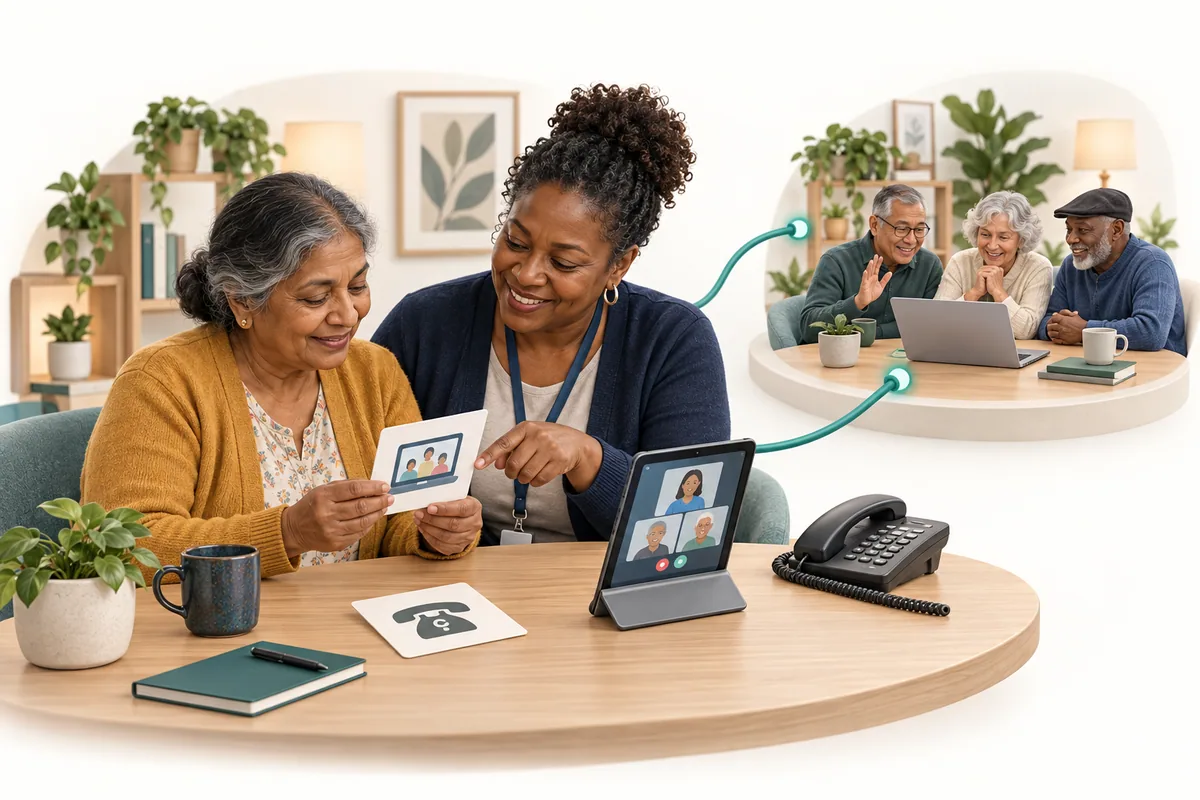
A video visit begins before the call connects
A video visit starts before the call connects. WHO–ITU accessibility guidance prompts a practical look at invitations, a chosen setup, supported participation, and what happens if the connection falters.
What we found in the news
The WHO–ITU toolkit for accessible telehealth (opens in a new tab), published in September 2024, gives practical guidance on making remote services more usable. It calls for people with disabilities to contribute their perspectives and:
“test whether the telehealth platform is indeed accessible”
— World Health Organization and International Telecommunication Union
The toolkit is implementation guidance, not a trial showing that every video service works. Its invitation to test with people is a useful starting point for an ordinary question: can the person take part in the conversation they have been offered?
Why this matters to us
A video visit can begin with an invitation, a password, a room choice, and a question about sound—well before two faces appear on a screen.
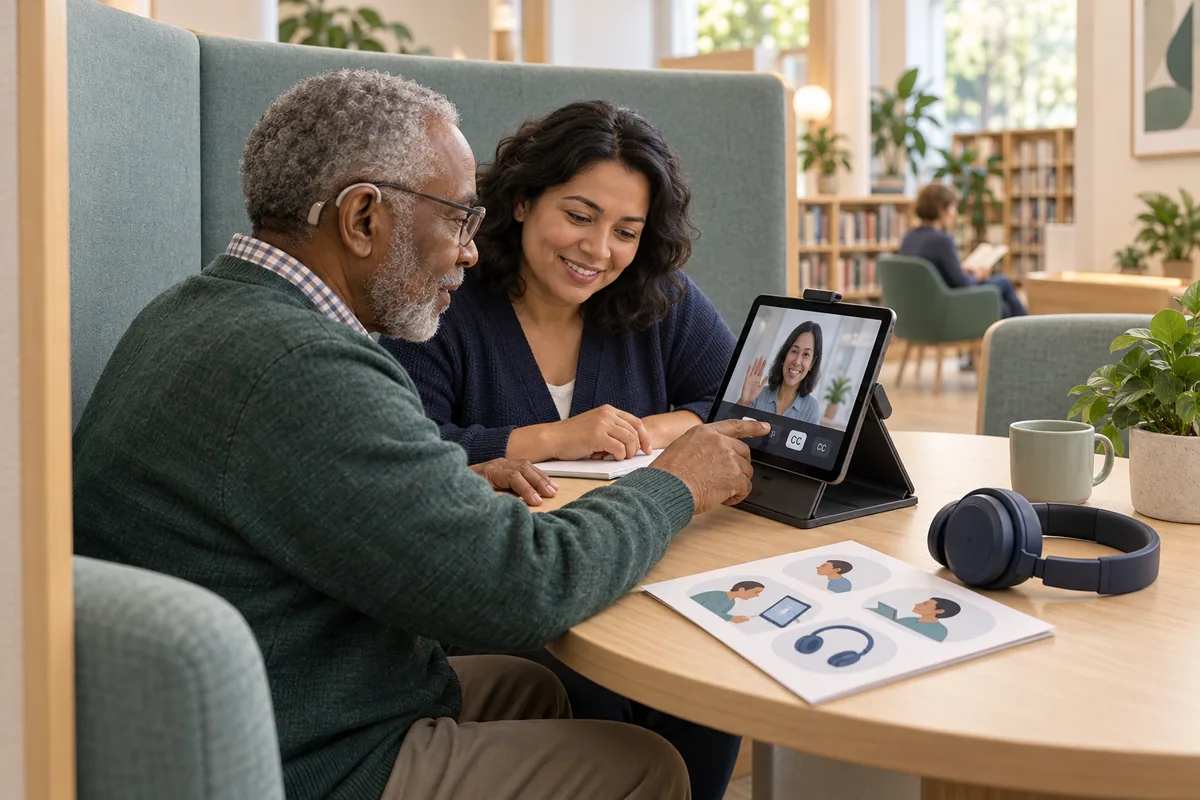
Imagine someone preparing to join a remote community discussion from a quiet library booth. They use hearing aids and want to try the available captions and camera position before the session.
A coordinator offers a short practice call. The participant adjusts the setup, checks the joining guide, and explains which parts are still difficult.
That preparation is part of participation. At genus, we want the useful conversation to have a workable beginning, rather than asking people to solve every access problem while the group is waiting.
Begin with the invitation
Read the invitation from the participant’s position. Does it explain what the session is for, how long it will last, and how to ask for support?
Check the joining route using the actual device and access arrangements. A link that works for an organizer already signed in may behave differently for an invited guest.
Offer instructions in a format the person can use. A short practice guide might help one participant; another may prefer a supported walk-through or a different way to join.
Ask about the setting as well as the software. The person may need privacy, a quieter space, a charging point, or time to position the screen. Invite their suggestions before choosing a solution for them.
Let the person try the conversation
During the imagined practice call, the participant can test the features that matter to them. Can they follow the speaker, see the shared material, and tell the group when something is unclear?
Available captions need checking in the actual service. Their presence alone does not establish that every word will be accurate or every participant’s communication needs will be met.
Ask the facilitator to practice too. Speaking while looking away, changing slides quickly, or leaving a question only in chat can make the session harder to follow.
Where additional communication support is needed, confirm the arrangement with the person. A familiar supporter may be welcome, but their presence should follow the participant’s choice and the session’s access requirements.
Plan for the moment the call falters
Decide how people can signal a problem and what the facilitator will do. A participant should not have to choose between interrupting repeatedly and quietly losing the conversation.
If the connection drops, make the rejoining or alternate contact route easy to find outside the call itself. Check that the alternative suits the person; a telephone call may not provide the same access.
Explain how any agreed follow-up will be shared. The final action or resource should remain available in a suitable format after the video window closes.
Ask what the practice revealed and revise the preparation accordingly. A useful adjustment may be small, such as a clearer joining instruction or more time to read a shared page. The participant’s experience should influence the plan.
What this means for the people you serve
People can help shape how they join, communicate, and receive follow-up. They should be able to try a setup, ask for a change, or choose another suitable route. An invitation becomes more welcoming when the practical means of taking part are understood.
The genus connection
Today, genus coaching and Mingle experiences can support invited live activities with prepared material and a human facilitator. The available formats, guest access, and device behavior need confirmation for each setup.
We would include a practice journey in that preparation: receiving the invitation, joining, contributing, and finding the next step afterward. Required accessibility features and support arrangements should be checked directly with the people expected to use them.
One question to take away
What would we learn by rehearsing the whole visit with the person before the group meets?
Supporting references
- Implementation toolkit for accessible telehealth services (opens reference preview; direct link opens in a new tab)
WHO and International Telecommunication Union · 2024-09-09
Joint WHO–ITU implementation guidance emphasizes involving people with disabilities in accessible telehealth. The community practice visit is an original example.