The ten carePhysics principles
1. Holistic Care — See the Person
Before organizing care around a condition, understand the person whose life the care is entering.
Begin with identity, relationships, preferences, practical resources, and what the person wants care to protect. Recognize the caregiver’s needs separately. Collect only the context needed for the task, and keep personal reports distinct from clinical assessment.
From the manuscript’s fictional story
At the hospital, Casey asks Pat what he wants to keep doing and asks Ellen what has become difficult for her. Reading with the grandchildren matters to Pat; coordinating calls and appointments weighs on Ellen. Neither answer cancels the other.
Chapter 1, “Pat and Ellen at the hospital”; Appendix B — Person + Family “What Matters” Profile.
2. Awareness — Make Understanding Possible
Information only helps when someone can understand what it means for them.
Make facts, uncertainty, choices, and the next source of help understandable. Check the explanation rather than test the person. People can understand the same information and still make different choices.
From the manuscript’s fictional story
Early in the family’s story, Sam separates the clinical questions still awaiting assessment from the support questions the family can discuss now. Pat wants to know what the next appointment is for, not receive another unexplained stack of information.
Chapter 2, “Different questions, one family”; Introduction, “A familiar way to find help.”
3. Behavioral Influence — Support the Next Chosen Step
Before asking someone to change, understand what is getting in the way.
Distinguish understanding, motivation, opportunity, and practical barriers. Offer a manageable next step that serves the person’s own purpose. A reminder cannot create transportation or capacity, and informed refusal is not a design failure.
From the manuscript’s fictional story
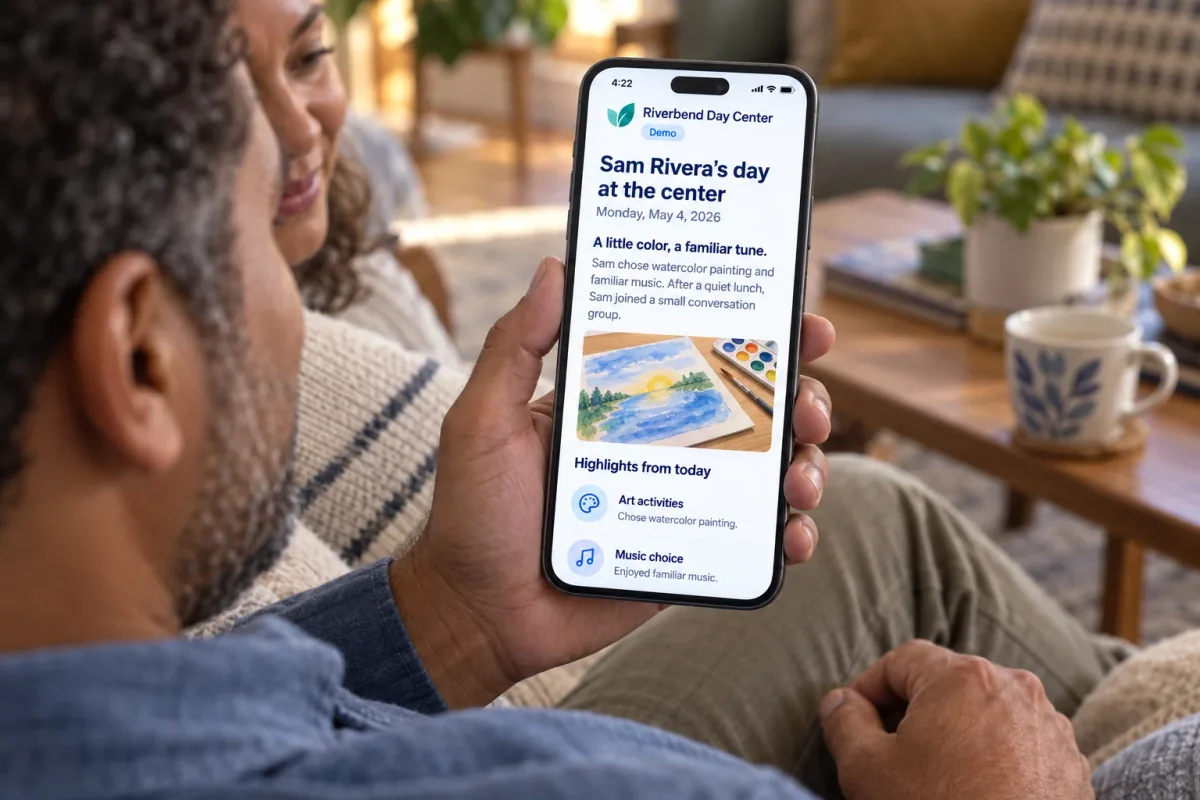
Pat and Ellen consider a Day Center as an option to explore. A conversation and a manageable visit help them discover whether it fits; pressure to enroll would skip the questions they need to ask.
Chapter 3, “Pat and Ellen consider an option”; Barrier-and-Next-Step Guide.
4. Communications — Help People Feel Heard
Understanding begins with listening, not explaining.
Preserve people’s voices, clarify disagreements, and turn general offers into understood commitments. Messages need routes for questions, correction, and response. A warm tone is valuable only when the information and follow-through are dependable.
From the manuscript’s fictional story
The family learns that a general offer to help can still leave Ellen organizing everything. In a later application, Daniel agrees to plan, bring, and clear up Wednesday dinner for four weeks, with a conversation if arrangements change.
Chapter 4 — Communications; Chapter 11, “A smaller promise that includes the work.”
5. Community — Make Belonging Practical
Care becomes stronger when people know how they can help—and how they can belong.
Connect people with chosen supporters, professionals, volunteers, and services they can actually reach. A directory entry, an introduction, an attended visit, and a sense of belonging are different achievements. Make contribution possible without making it compulsory.
From the manuscript’s fictional story
Lena welcomes Pat directly and asks what he likes reading now. He can listen to a discussion before deciding to join. The visit gives the family people to meet and questions to explore; it does not automatically establish enrollment or service fit.
Chapter 5, “Someone at the door”; Community Introduction and Follow-Through Plan.
6. Engagements — Make Each Interaction Worthwhile
Do not ask for someone’s attention unless you have something worthwhile to give back.
Design the whole encounter, not only the content. Decide whether its purpose is understanding, a chosen decision, a skill, contribution, feedback, or enjoyment. Different purposes need different forms of support and different ways to judge usefulness.
From the manuscript’s fictional story
Pat, Emma, and Noah read a story together. They can pause, comment on a picture, or stop. The children are grandchildren, not assessors, and the evening is not a memory test or a completion target.
Chapter 6, “A story, not an assignment”; Engagement Design Brief; Appendix H.
7. Pathways — Turn Good Intentions into Supported Progress
A pathway connects useful information, human relationships, and practical support into a planned sequence that can change as people’s needs change.
Connect encounters through purpose, timing, accepted responsibility, permissions, confirmation, alternatives, and review. A pathway can include content, calls, visits, meetings, and activities. It is not simply a playlist, and it does not replace a clinician-approved care plan.
From the manuscript’s fictional story
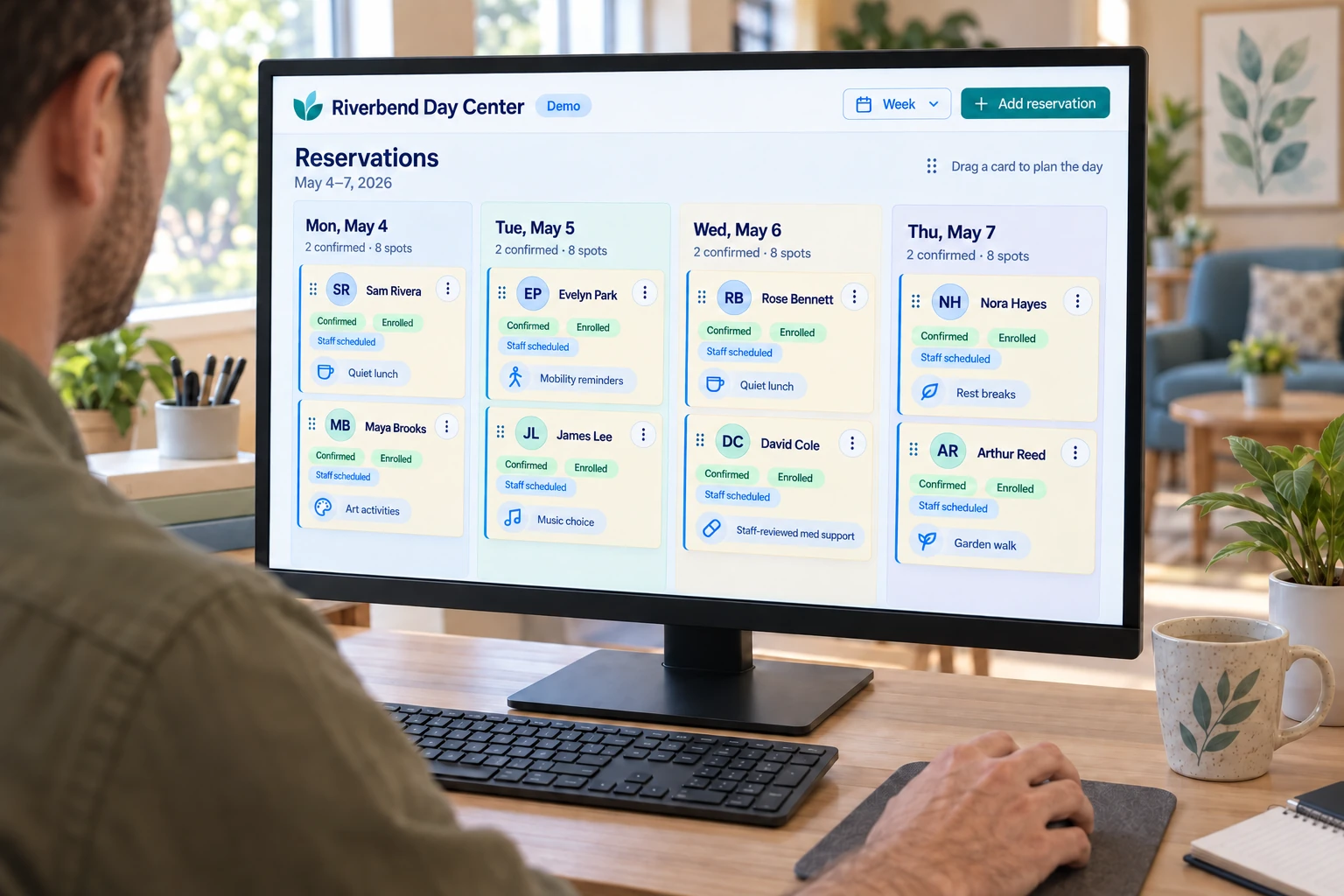
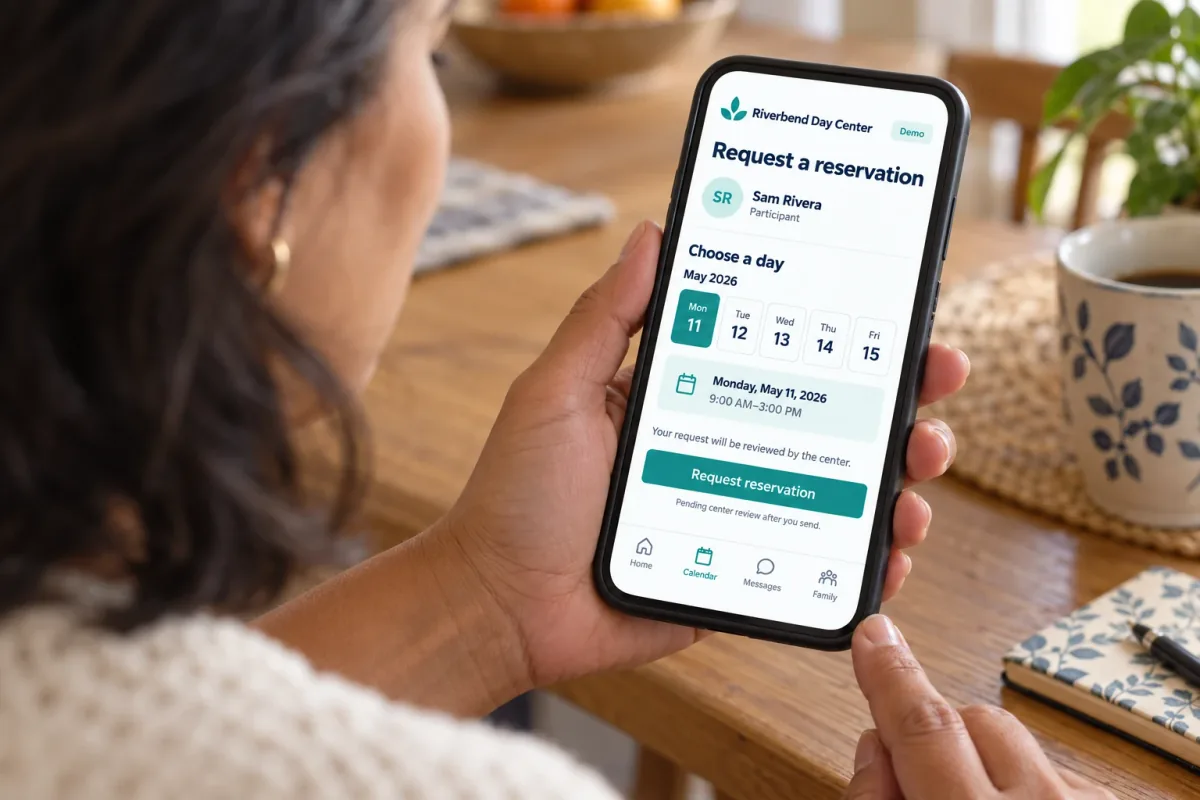
An additional Tuesday appears in family messages, but the center has only agreed to check. Sam keeps the request separate from a confirmed day. The next responsibility is to verify the arrangement and tell the family what happens next.
Chapter 7, “Is Tuesday arranged?”; Appendix D — Pathway Map; Appendix G — Partner Handoff Agreement.
8. Technology — Make Help Easier to Reach
Technology should remove work from care, not add another place to do it.
Begin with one useful task. Make the content accessible, the controls familiar, and first-use assistance available. Phone, print, digital access, and personal help should carry consistent service facts and responsibility rather than create separate standards of support.
From the manuscript’s fictional story
Maya wants permitted information on her phone. Ellen often prefers a short printed summary and a telephone call for changes. Daniel needs the details of the responsibilities he accepted. They do not all need the same interface to participate.
Chapter 8, “Do we all need to do this?”; First-Use and Multi-Channel Access Plan.
9. Care AI — Bring Human Wisdom Within Reach
AI should help people make better decisions—not quietly make the decisions for them.
Give assistance a bounded purpose, suitable sources, actual permissions, a reviewer, and a human response route. Keep research, local facts, personal accounts, and examples separate. A generated draft is not an agreement, a completed action, or evidence of a result.
From the manuscript’s fictional story
Sam prepares a family-meeting draft from selected, agreed information. Ellen’s concern and Pat’s different perspective both remain visible. An unconfirmed Tuesday stays unconfirmed, and clinical questions return to the appropriate professionals.
Chapter 9, “The difference belongs in the draft”; Appendix C — Assistant Role Card.
10. Scoring — Learn What Helps
Measure whether life became better—not whether people spent more time in the system—and use what people discover to improve the next encounter.
Evaluate the support, not a person’s worth, a family’s love, or staff commitment. Learn during an agreed encounter, invite feedback afterward, and examine changes over time. Keep benefit, burden, safety, access, and uncertainty in the same review.
From the manuscript’s fictional story
Pat suggests explaining afternoon choices before lunch. An optional assistant helps preserve his suggestion, but does not take credit. Lena accepts the task of checking feasibility; whether the change helps remains a question for a later review.
Chapter 10, “The useful idea comes from Pat”; Appendix F — Benefit–Burden–Safety Measurement Plan.
Principle connections across the eight layers
These mappings connect the carePhysics principles with each layer of the ecosystem. Source details and the scope of these applications appear below.
1. Governance & Stewardship
carePhysics connects responsible learning with the trust, choice, and human authority that make support usable.
Protect the person’s voice
Respect the person’s choices and keep a caregiver’s private needs from becoming shared family information by default.
Make protection usable
Access and help routes should support the task without excluding people who need assistance or a non-digital route.
Give learning assistance a trusted role
Define approved sources, permitted capture, reviewers, and human response routes. Test privacy and access in the actual workflow; keep staff practice and caregiver-private needs in the right places.
Review how the system learns
Examine safety, usefulness, access, and effort. A named owner can approve a resource, test a change, or pause it while preserving contributor credit.
2. Mission, Values & Promise
carePhysics helps carry your organization’s mission, values, and voice into every learning moment and service decision.
Make the purpose personal
Begin with what your mission should make possible in a person’s life. Support the caregiver’s own needs without asking either person to adopt the organization’s preferred goal.
Make belonging part of the offer
Include opportunities to know others and contribute when chosen—not simply a list of services or an attendance goal.
Make the values visible
Translate your tone and values into the invitation, example, pace, and response. A teaching moment should be useful and welcome, not simply on-brand.
Keep the promise close to experience
Ask whether people recognize the values in the support. Let feedback shape new offers while checking that the mission, resources, and human need still align.
3. Trusted Knowledge & Practical Wisdom
carePhysics connects evidence-informed models with organizational wisdom and reviewed guidance—then gives new learning a route back.
Make knowledge understandable
A correct source still needs an explanation that answers the person’s actual question and makes uncertainty clear.
Retain human meaning
Adapt a contribution without flattening the speaker’s voice, hiding disagreement, or turning a suggestion into an agreement.
Bring the appropriate knowledge into reach
An approved assistant could combine selected research, organizational guidance, and relevant context into a reviewed explanation. Keep authority, sources, and local voice distinct.
Let experience improve the resource
A useful explanation or staff insight can become a reviewed learning resource. Capture context and credit, test the adaptation, and return with what changed.
4. Person, Family & Present Situation
carePhysics helps ask what is needed, what is getting in the way, and when the person would welcome support.
See the life around the task
Let stated priorities influence the plan. Do not reduce a person to a condition or make the caregiver’s presence stand in for available support.
Find the question that matters now
Ask what the person already understands and what they want explained. Start there rather than replaying the same material for everyone.
Ask about readiness and barriers
Use COM-B to consider skills, opportunity, and motivation; ask about timing and confidence. Offer practice when wanted, practical help when needed, and permission to pause.
Check the support that exists
Identify who has actually agreed to help and whether the service or relationship offers the kind of support the person wants.
5. Engagement & Communication Design
carePhysics helps turn a relevant question into a welcome moment for explanation, demonstration, and chosen practice.
Teach one useful idea
Answer the actual question with a clear main idea and a relevant example. Make uncertainty and the route to human help easy to find.
Match the person’s pace
Keep the next step manageable and chosen. Self-Determination Theory and the manuscript’s use of Fogg’s model help frame an invitation without pressure; timing comes from the person’s situation.
Keep your voice; invite theirs
Use the organization’s respectful tone while listening for the person’s own words. Check the explanation and welcome questions or corrections.
Show, practice, and return when useful
Work backward from the intended skill or understanding. Offer a demonstration, supported practice, and a check-in at an agreed time. Enjoyable shared time can remain complete without a lesson.
6. Pathways, Roles & Coordination
carePhysics connects a chosen step to real support; Theory of Constraints helps focus improvement on what is limiting it.
Make the chosen step possible
Connect the person’s decision with the practical conditions it needs. Distinguish an access barrier from a need for persuasion.
Connect to real support
An introduction matters, but someone at the receiving organization must accept the next action and assess fit.
Give learning and support somewhere to go
Join the explanation to a conversation, practice, service, or follow-up with an accepted owner. Confirm when help is useful and distinguish requests from delivered support.
Find what the next improvement should address
Use the manuscript’s constraint-focused approach to examine the whole pathway. Separate unclear guidance, unavailable capacity, and handoff failures; test a focused change without transferring burden.
7. Tools, Capabilities & Channels
carePhysics helps introduce tools and learning resources around a useful task, prepared people, and dependable support.
Explain the useful task
Show what the person can do and what happens next without requiring them to learn the whole platform.
Keep the workflow attached
A button or message must have a destination, an accepted responder, and an exception route where the task requires follow-through.
Meet people where they can use the help
Provide an appropriate short resource or supported first task in a usable channel. Let people choose pace and assistance instead of requiring a platform tour.
Support a timely teaching moment
A configured assistant could retrieve a reviewed example or prepare a staff draft when a question arises. People decide when to use it; source checks and required review remain in place.
8. Meaningful Interaction
carePhysics becomes visible in what people understand, choose, practice, contribute, receive, and enjoy.
Keep the person present
Let the individual’s priorities shape the interaction; do not talk past them because a profile or family member is available.
Listen and respond
Make room for questions, different accounts, pauses, and correction. Check that important responsibilities are understood.
Make connection tangible
Offer a real relationship or an opportunity to contribute, while respecting the choice to watch, listen, or decline.
Help the moment become worthwhile
Offer the learning or connection the person wants. Practice can build a skill; a chosen pause can protect confidence and trust. Examine what happened rather than assuming benefit.
Connect the moment to what comes next
Invite a useful insight or remaining need, preserve the contributor, and name who will respond. Let individual learning inform reviewed resources and need-led innovation.