genus perspective
Trying the service without a personal smartphone
High smartphone ownership does not mean every visitor has the device, connection, or private space a service assumes. Pew’s 2024 findings prompt a practical look at shared access and follow-up.
What we found in the news
Pew Research Center’s January 2024 report (opens in a new tab) described widespread smartphone and home-broadband use among US adults, alongside differences in access. Its summary of those differences was direct:
“divides exist by income, level of formal education and age”
— Pew Research Center
The report draws on a 2023 national survey. Ownership figures cannot tell a service whether a particular person has a suitable device, private access, or a dependable connection. They give us a reason to ask rather than assume.
Why this matters to us
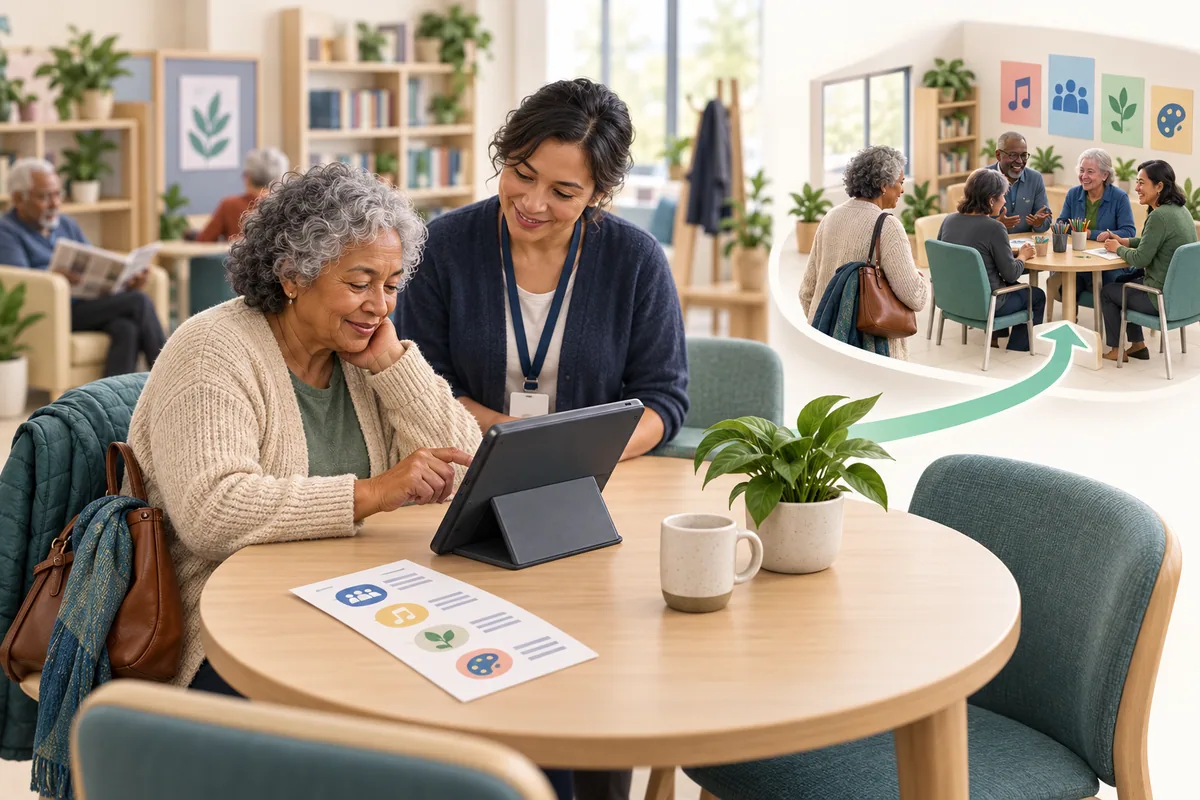
Picture someone arriving at a community center after seeing a printed invitation. They want to register for an activity, but the next instruction is to scan a code and complete a form on their phone. Their telephone does not support that route.
A helpful colleague offers the center’s tablet. That may solve the immediate device problem, yet the person still needs to understand what happens to their information and how they will receive confirmation.
At genus, we want the whole journey to work. Access includes the beginning, the follow-up, and the point when the next person uses the shared device.
Walk through the task without a personal phone
Choose an ordinary service action and try it from the participant’s position. Can someone find the information, express interest, and learn what happens next using the routes the organization actually provides?
Notice any quiet dependence on a personal device: a sign-in code sent to a phone, a confirmation available only in an app, or instructions that assume a person can return to the same screen later.
These may be reasonable features in one route. The team needs to know how the task works for someone using another route.
Include people who already use the service without a smartphone in the discussion. They may have developed practical ways to keep track of appointments and invitations that the new process should respect.
Give shared access some privacy
A shared screen needs more thought than placing a tablet on a reception desk. Consider what another person can see or hear, which account is in use, and how the session ends.
Follow the organization’s approved setup for shared devices and assisted access. Staff should know whether the screen is intended for public resources, a supported guest experience, or an authorized private task. These are different uses.
In our example, the colleague can explain the available option before the participant begins. They can offer help without watching every entry unnecessarily or taking over a step the person wants to complete.
Afterward, confirm that the participant’s session has ended through the supported process. The next visitor should encounter the intended starting screen, with no previous person’s details visible.
Arrange a follow-up the person can receive
A successful form is only part of the task. Ask how the person would like to receive the next information, within the service’s available arrangements.
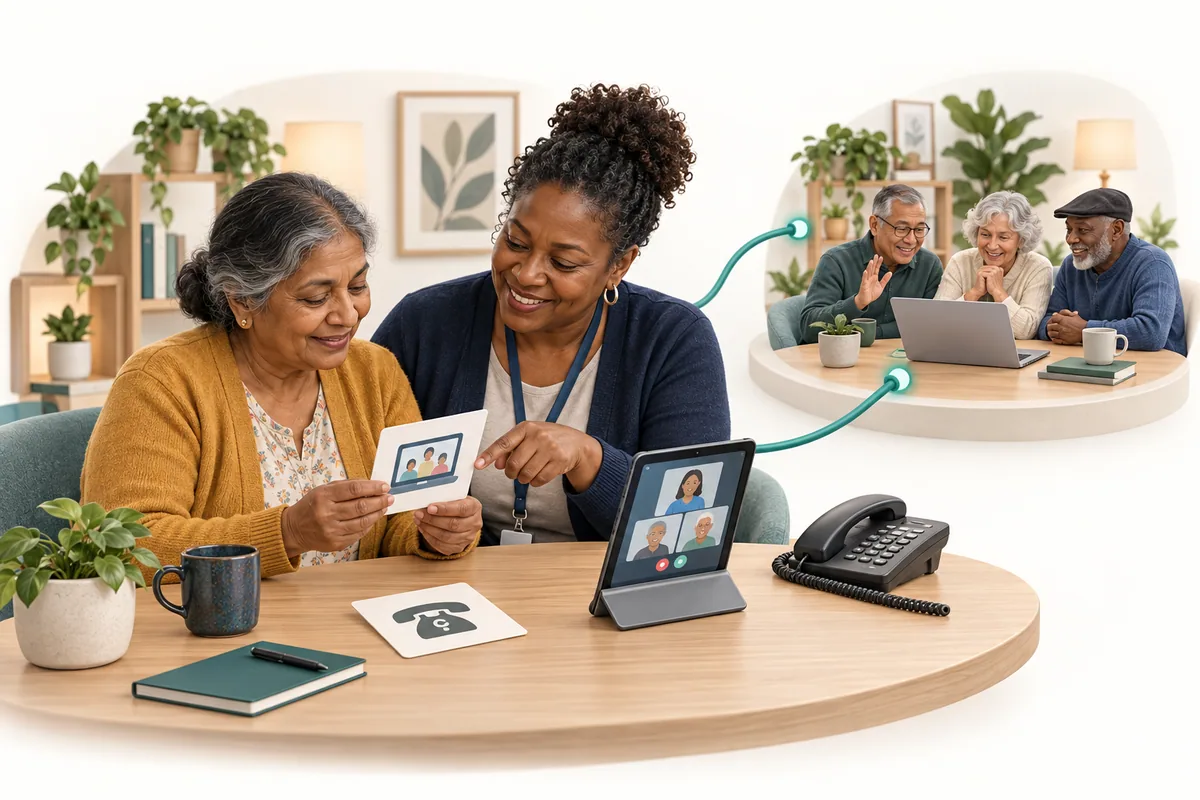
A printed confirmation might suit one person. Another may prefer a call at an agreed time or contact through an authorized supporter. Check that staff can actually provide the chosen route.
Make sure changes reach people using that route too. If an activity moves rooms, an app notification may not reach someone who registered with help at reception.
Keep a simple record of the agreed communication preference where the organization’s workflow supports it. The participant should be able to ask for that preference to change without starting the whole process again.
What this means for the people you serve
People can take part in a community without owning a particular device. A useful assisted route protects their privacy, explains the next step, and leaves them with information they can return to. Their contribution to testing that route is valuable in its own right.
The genus connection
Today, configured genus Care Wall experiences can organize prepared resources and activities for an intended audience. Shared-screen use, guest access, sign-in requirements, and any link into a private workflow must be confirmed for the setup.
We would begin by distinguishing public resource access from tasks involving personal information. The available technology should support the organization’s chosen route, while staff keep the surrounding invitation and follow-up workable. A public wall should never be treated as a private care record.
One question to take away
Could someone complete this service journey—and receive the follow-up—without owning a personal smartphone?
Supporting references
- Americans’ Use of Mobile Technology and Home Broadband (opens reference preview; direct link opens in a new tab)
Pew Research Center · 2024-01-31
January 2024 report based on a US adult survey. Local access needs and the shared-device example require their own assessment.